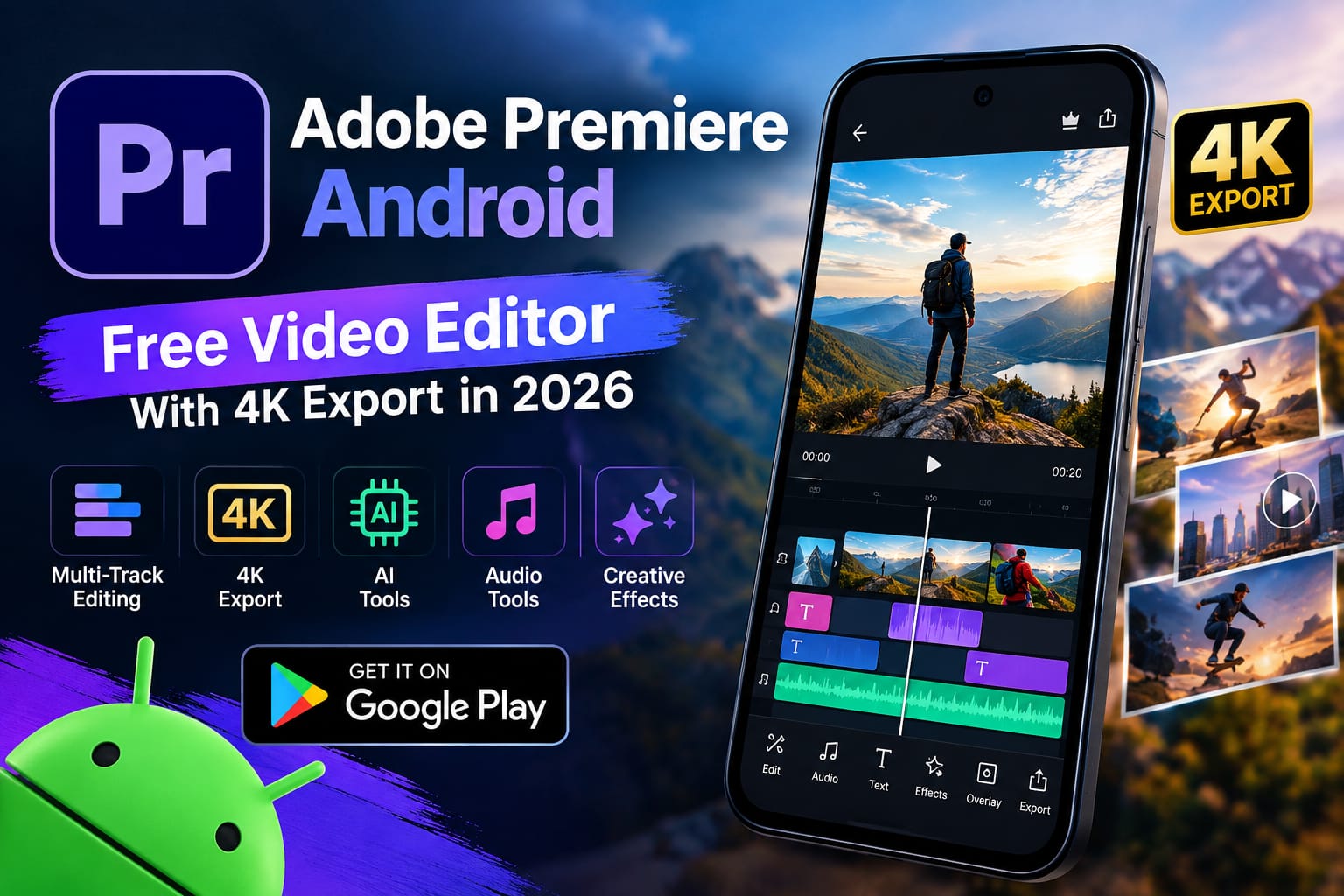
Creating professional-looking videos on a phone is becoming easier, and one of the biggest new arrivals for Android users is Adobe Premiere Android. Adobe has officially brought its Premiere mobile video editor to Android, giving creators access to a more advanced editing experience directly from their smartphones.
The app is designed for social media creators, vloggers, YouTube users, and anyone who wants more control over video editing without moving to a desktop computer.
Adobe says the Android version is available through Google Play and is free to download and use for its core editing features. Some generative AI features and additional services may require paid credits or purchases.
What Is Adobe Premiere Android?
Adobe Premiere Android is a mobile video editing application from Adobe. It brings many familiar editing concepts to smartphones, including a multi-track timeline, video trimming, transitions, text, audio tools, effects, and AI-powered features.
Unlike many free editors that place a watermark on exported videos, Adobe says Premiere can export videos without watermarks. The current Google Play listing also highlights 4K export support.
This makes the app particularly interesting for people who create TikTok videos, YouTube Shorts, Instagram Reels, tutorials, and other short-form content.
Key Features of Adobe Premiere Android
Multi-Track Video Editing
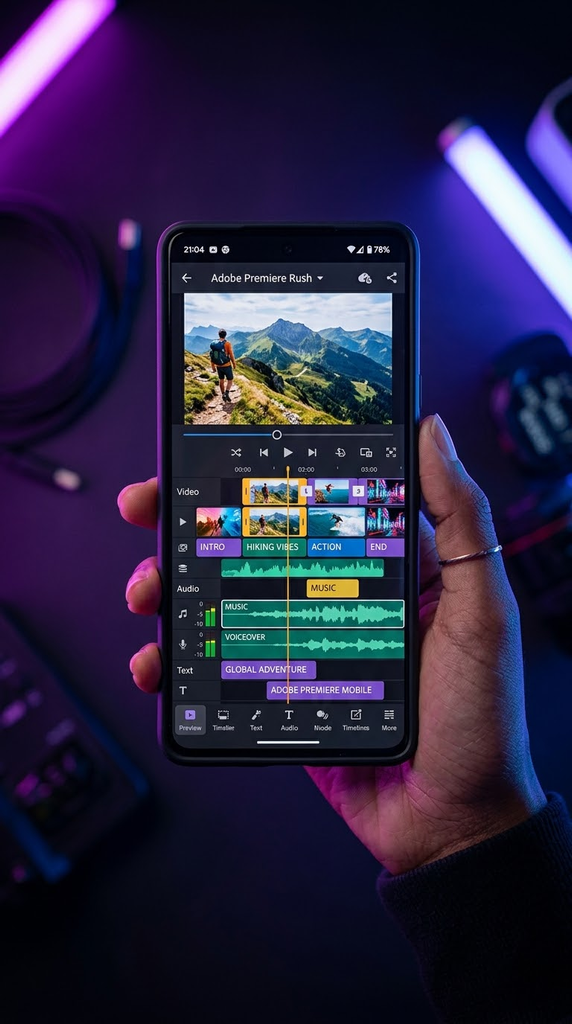
The multi-track timeline gives creators more control over their projects. You can work with multiple video and audio elements instead of treating the entire project as a single clip.
This is useful when creating videos that contain background music, voiceovers, extra clips, sound effects, and other layers.
4K Video Export
One of the most useful features is support for 4K video export. This gives creators the option to produce higher-resolution videos when their original footage and phone hardware support it.
AI-Powered Editing Tools
Adobe Premiere also includes generative AI tools. These can help creators perform certain creative tasks more quickly.
However, AI features should not be confused with the basic editing tools. Adobe’s current Play Store information says additional Firefly generative AI credits may require payment, while the main editing experience is available for free.
Professional Audio Tools
Good video is not only about visuals. Premiere includes audio features for voiceovers and audio improvement, making it easier to prepare videos for social platforms.
Adobe also highlights studio-quality audio capabilities in its Android release announcement.
Templates and Creative Effects
Creators can use templates, transitions, effects, text overlays, sound effects, and other creative tools to build content faster.
The app is especially useful for people who regularly produce short videos and need a quicker editing workflow.
Adobe Premiere Android Requirements
Before installing the app, check your phone first.
The current requirements include:
- Android 13 or newer
- At least 5GB of RAM
- Compatible Android hardware
- Google Play access
Adobe specifically lists Android 13 or later and 5GB or more of RAM for the Android version.
If your phone has less than 5GB RAM or runs an older Android version, the app may not be available for installation.
If your Android phone is running slowly, check our guide on How to Make Your Android Phone Faster in 2026.
How to Download Adobe Premiere Android?
The safest way to install Adobe Premiere is through the official Google Play Store rather than downloading an unknown APK.
- Open Google Play Store on your Android phone.
- Search for Adobe Premiere.
- Check that the developer is Adobe.
- Open the official app page.
- Tap Install.
- Wait for the installation to finish.
- Open Premiere and follow the setup instructions.
- Start a new project and import your videos.
Avoid modified or unofficial APK versions that claim to provide unlocked premium or AI features. These files can create unnecessary security and privacy risks.
Is Adobe Premiere Android Free?
Yes, the core application can be downloaded and used for free.
Adobe’s current Google Play listing says users can create videos with the main editing tools without ads or watermarks. However, some additional generative AI features use Firefly credits, which can involve in-app purchases.
So, you do not necessarily need to pay simply to start editing videos.
Who Should Use Adobe Premiere Android?
This app can be useful for:
- YouTube Shorts creators
- TikTok creators
- Instagram Reels creators
- Vloggers
- Students making video projects
- Beginners learning video editing
- Users who want more advanced mobile editing
- Creators who want watermark-free exports
It may be less attractive to someone using an older or low-RAM Android phone because of the hardware requirements.
Pros and Cons
Pros
- Free core video editing tools
- No watermark on exports
- No pop-up ads according to the Play Store listing
- Multi-track timeline
- 4K export support
- Audio and voiceover tools
- AI-powered features
- Useful for social media content
- Official Adobe application
Cons
- Requires Android 13 or newer
- Requires at least 5GB RAM
- Some AI features may require paid credits
- Advanced editing can require a more powerful phone
- New Android releases can still receive feature improvements over time
Is Adobe Premiere Android Worth Trying?
For Android users who regularly edit videos, Adobe Premiere is worth trying because it brings a well-known professional editing brand to mobile devices without requiring a Creative Cloud subscription for the core app.
The biggest advantages are the multi-track workflow, 4K export, audio tools, and watermark-free exports. At the same time, users with older phones should check compatibility before expecting a smooth editing experience.
Because the Android version is still relatively new, Adobe is also continuing to develop and expand its mobile editing experience.
Frequently Asked Questions
Is Adobe Premiere available on Android?
Yes. Adobe Premiere is now officially available for Android through Google Play.
Does Adobe Premiere Android have a watermark?
Adobe’s current Google Play listing says exports are available without watermarks.
Can Adobe Premiere Android export 4K videos?
Yes. The current Play Store listing states that the Android app supports 4K export.
What Android version is required?
Adobe Premiere requires Android 13 or newer according to Adobe’s Android announcement.
How much RAM does Adobe Premiere Android require?
The current Google Play listing says the app requires at least 5GB of RAM.
Is Adobe Premiere Android completely free?
The main editing experience is available for free, but some generative AI features can require additional Firefly credits or in-app purchases.
Conclusion
Adobe Premiere Android is one of the more notable new video-editing arrivals for Android users in 2026. It combines a multi-track editing workflow with audio tools, creative effects, AI features, and 4K export support.
If your phone runs Android 13 or newer and has at least 5GB of RAM, the official Google Play version is worth checking out. For creators who want to produce cleaner and more advanced social media videos directly from their phones, Adobe Premiere offers a strong new option without forcing a watermark onto basic exports.