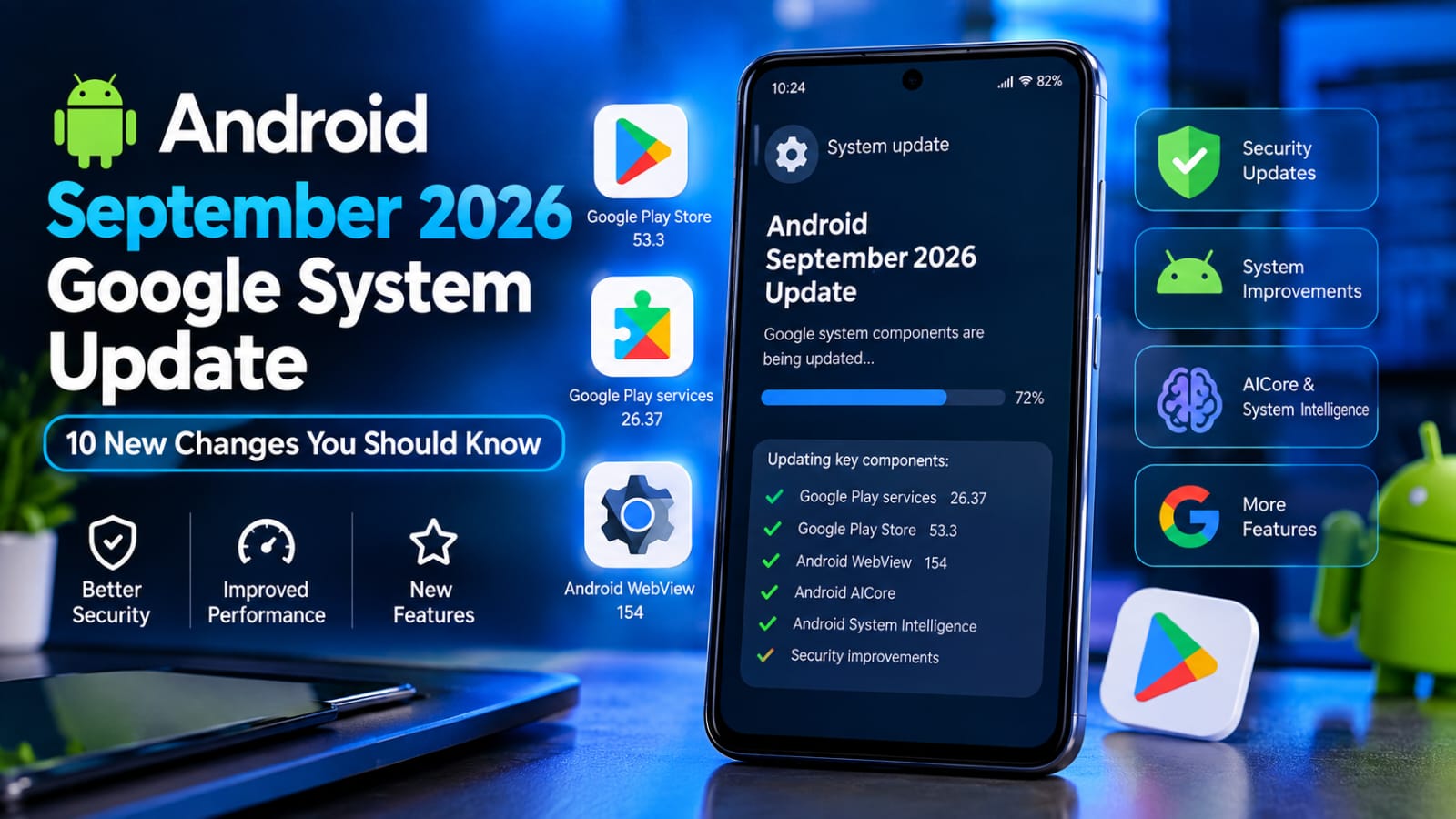
Android updates are not always delivered as one large operating system upgrade. Google also regularly updates important system components such as Google Play services, the Google Play Store, Android WebView, and other system services.
The Android September 2026 Google System Update is a good example. Google’s official release notes show several changes released throughout September, including updates to Google Play services, Google Play Store, Android WebView, Android AICore, and Android System Intelligence.
Some of these changes are designed for everyday users, while others mainly improve security, reliability, device connectivity, or developer functionality.
In this guide, we’ll explain the important September 2026 changes in simple language, which Android users may notice them, how to check for updates, and why keeping these components updated matters.
What Is the Android September 2026 Google System Update?
The Android September 2026 Google System Update is a collection of improvements delivered through Google’s system services rather than a single Android version upgrade.
Google says its system-service updates cover Android operating system components, Google Play Store, and Google Play services. These updates can apply across phones, tablets, Wear OS devices, Android TV/Google TV, Android Auto, Android Automotive OS, and ChromeOS devices.
This means your phone can receive important improvements even when you are not installing a completely new Android version.
For September 2026, Google’s release notes include updates dated September 3, 7, 10, 14, and 21.
10 Important Changes in the September 2026 Update
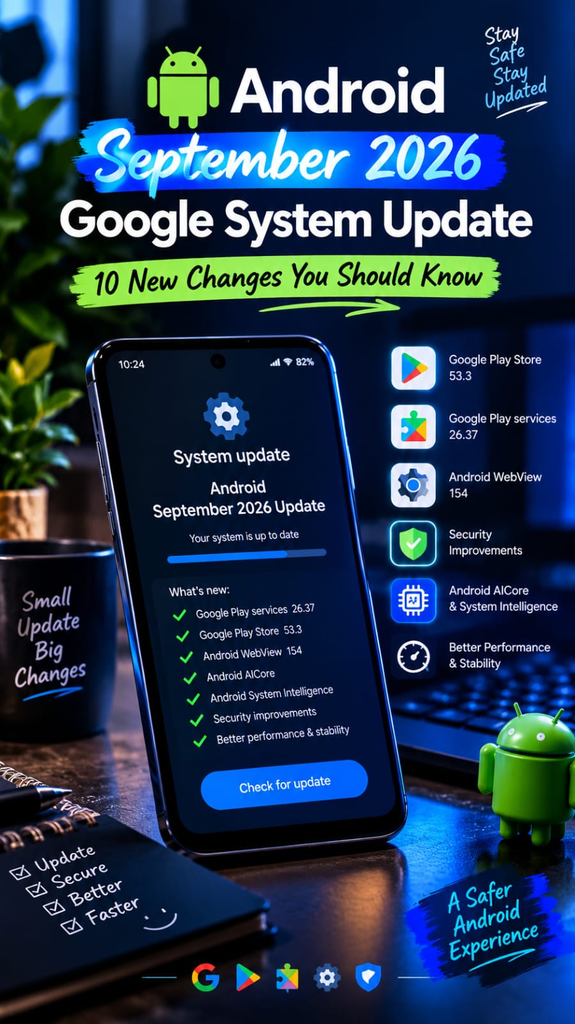
Google Play Services 26.37
One of the latest September releases is Google Play services version 26.37, dated September 21, 2026.
The update includes improvements related to health and fitness data on Wear devices, safety features, and system management. Google also says system-management services received changes intended to improve device performance and stability.
For supported phones, Motion Assist can help reduce motion sickness by displaying subtle visual shapes that move with the vehicle’s motion.
Easier Access to Driving Do Not Disturb
Google has also made the Driving Do Not Disturb feature easier to find.
This can be useful for people who want fewer distractions while travelling or driving.
Availability can depend on the device and Google’s rollout process.
Better System Performance and Stability
September’s Google Play services 26.37 includes system-management improvements intended to improve device performance and stability.
This doesn’t mean every phone will suddenly become faster, but keeping system components updated can provide important maintenance improvements and bug fixes.
Google Play Store 53.3
Google Play Store version 53.3 was also listed on September 21.
One change allows users to add a pre-registered paid title to their wishlist once it has been published.
The same release also contains changes affecting Wear OS search results and local-currency purchasing in several markets.
Android WebView 154
Android WebView is an important component because many Android apps use it to display web-based content inside the app.
Google’s September release notes list Android WebView 154, released September 10, with security and privacy improvements, bug fixes, and developer changes.
For ordinary users, this is one reason why keeping WebView updated can matter even when you don’t directly open the WebView app yourself.
Google Play Services 26.36
The September 14 Google Play services update included improvements to account management and location sharing.
It also introduced developer-related improvements for Maps, device connectivity, and cross-operating-system device setup.
The update also contains Google Wallet changes, including real-time basket price adjustments when payment methods are changed and a notification to add tap-and-pay cards again after switching to a new device.
Google Play Store 53.2
Google Play Store version 53.2 introduced a Contribution Hub feature under the “You” area for submitting ratings and reviews while tracking the social impact of contributions.
This is a smaller change, but it shows that Google continues to improve the Play Store experience independently of major Android releases.
Google Play Services 26.35
Earlier in September, Google Play services 26.35 introduced improvements related to supervision and Kids Auth.
Google also added safety-status information to shared locations through the Location Sharing API.
These changes are particularly relevant to account management, family features, and location-sharing functionality.
Google Play Store Navigation Improvements
The September Play Store changes also include improvements to how users discover apps.
Google says Play Store 53.1 added a new navigation bar for exploring interests directly from Play home pages. It also introduced more information about installed apps across other devices and short descriptions highlighting key features in similar-app recommendations.
Android AICore and System Intelligence Improvements
September also brought maintenance and model-management improvements to Android AICore, including expanded device compatibility, performance optimizations, and diagnostic improvements.
Android System Intelligence also received bug fixes and maintenance changes.
These changes may not be visible as a new button on your home screen, but they support Android’s underlying smart and system functions.
For the complete official release notes, check the [Google System Services Release Notes].
Android September 2026 Security Update
The September Android security update is another important part of keeping an Android phone protected.
Google’s Android Security Bulletin says devices with the 2026-09-05 security patch level or later address the vulnerabilities covered by that bulletin. Google also identified a critical System-component vulnerability that could potentially allow remote code execution without requiring additional privileges or user interaction.
Because security-patch availability depends on the phone manufacturer and model, not every Android device receives the update at exactly the same time.
For more information about Android’s privacy and safety improvements, check our guide to Android 17 security features.
How to Check Your Android Updates
You can check your phone manually.
Check Android System Update
Open Settings.
Tap System or Software Update.
Select System Update or the equivalent option.
Check whether an update is available.
If an update appears, install it using a stable Wi-Fi connection.
The exact menu names can differ between Samsung, Xiaomi, Infinix, Motorola, OnePlus, Pixel, and other Android devices.
Check Google Play System Update
On many Android phones:
Open Settings.
Go to Security & privacy.
Look for Google Play system update.
Check for available updates.
Restart the phone if Android asks you to do so.
Update Google Play Services
Google Play services normally updates automatically, but users can also check the Google Play Store for available app updates.
It is important to remember that Google’s release notes describe staged or device-dependent functionality, so a feature listed in the release notes may not appear on every phone immediately.
Why These Updates Matter for Android Users
A phone does not depend only on its Android version.
Modern Android devices rely on many components working together, including:
Google Play services
Google Play Store
Android WebView
Android System Intelligence
Android AICore
Google Wallet services
Security components
Updating these components can provide security fixes, bug fixes, compatibility improvements, stability changes, and new functionality.
This is also why users should not ignore an available security or system update simply because the Android version number has not changed.
Is This Android 17?
No.
The September 2026 Google System Update should not be confused with a complete Android version upgrade.
A Google system-services update can improve individual Android components while your phone remains on its existing Android version.
For example, Google can update Play services or WebView without requiring the entire phone to move to a new Android version.
Will Every Android Phone Get Every Feature?
No.
Google’s official release notes specifically indicate that some features may be experimental or available only to certain users.
Availability can depend on:
Phone manufacturer
Android version
Device model
Region
Google Play services version
Feature rollout stage
Account configuration
Therefore, users should not assume that every September feature will appear on every Android phone.
Important Safety Tips Before Updating
Before installing a major system or security update:
Keep your battery sufficiently charged.
Use a reliable Wi-Fi connection when possible.
Back up important photos and files.
Avoid interrupting an update after installation begins.
Download Android system updates through your phone’s official settings.
Keep Google Play services and important system components updated.
Avoid downloading random “system update APK” files from unknown websites.
An update file should come from your device manufacturer or Google’s official update system whenever possible.
Android Security State Gets a New Developer Tool
Another notable September development is Google’s stable release of AndroidX Security State 1.1.0.
Google says the library gives developers a more centralized way to understand a device’s security posture and pending security updates at the component level instead of relying only on one overall security patch level.
This is mainly a developer-focused change rather than a normal consumer feature, but it demonstrates Google’s broader effort to make Android security status more transparent and easier for apps and device-management systems to evaluate.
What Should You Do After the September Update?
After installing available updates, you don’t need to change a lot of settings.
Simply check:
Android system update status.
Google Play system update status.
Google Play Store updates.
Google Play services version.
Android security patch level.
Whether important apps are working normally.
If everything is working correctly, you can continue using your phone normally.
FAQs
What is the Android September 2026 Google System Update?
It is a collection of updates to Android-related Google system components, including Google Play services, Google Play Store, WebView, and other services.
What is the latest Google Play services version in September 2026?
Google’s September 21 release notes list Google Play services version 26.37.
What is the latest Google Play Store version mentioned in the September release notes?
Google lists Google Play Store version 53.3 dated September 21, 2026.
Should I install Android security updates?
Yes, keeping your device’s official security updates current is an important part of maintaining Android security.
Will every phone receive the same September features?
No. Feature availability can vary by device, Android version, region, account, and rollout stage.
Does a Google System Update change my Android version?
Not necessarily. Google can update system components without changing the main Android version installed on your phone.
Is Android WebView important?
Yes. Many Android apps use WebView to display web-based content, so keeping it updated can help with security, compatibility, and reliability.
Final Thoughts
The Android September 2026 Google System Update is more than a single Play Store update. Google’s September release notes show a series of changes across Google Play services, Play Store, WebView, AICore, Android System Intelligence, Wallet, connectivity, and security-related components.
The biggest takeaway for Android users is simple: don’t look only at your Android version number. Important improvements can arrive through Google Play services, Google Play system updates, WebView, and other system components.
If your phone shows an available official update, check what it contains and install it when convenient. Keeping these components current can help your Android device stay secure, stable, and compatible with newer apps and services.


